
Today I am launching arcadegnt. It is an MCP server that lets your current AI chat assistant write, test, and host real browser games built on Godot 4.8. You can try it now without paying for credits or handing over an API key.
Why I built a second game tool
A lot of you know vbgnt, the game platform I have been working on. vbgnt is invite-only right now because every single game runs its own coding agent inside a dedicated cloud microVM.
arcadegnt started out on my desk as "vbgnt Lite." The core idea was simple: what if arcadegnt never runs a model at all?
When you connect arcadegnt, your existing assistant (Claude, ChatGPT, Cursor, Codex, OpenCode, or whatever MCP client you prefer) does the actual thinking. You use the subscription you already pay for. Because arcadegnt only handles the file system, the Godot engine builds, headless browser testing, and static web hosting, our operating costs stay low. That is why the core product can be free.
Under the hood, it shares vbgnt's custom web export settings, our multitouch fixes for mobile Godot games, and our online leaderboard system. If you ever want to move a project from arcadegnt over to vbgnt, it ports right over cleanly.
How the build and test loop works
When you tell your assistant to create a game, it writes GDScript files directly into an arcadegnt project directory. You do not touch an export menu or install Godot on your machine.
The moment the files are ready, the assistant runs a build command. arcadegnt imports the project, parses every single scene and script, and runs the game headlessly for three seconds to verify that it does not crash on frame one. If there is a typo or a broken signal, the compiler returns the exact file, line number, and error message directly to the assistant. The assistant patches the script and triggers another build.
Once the build passes, arcadegnt publishes a playable version immediately to the game's own play address, <slug>.arcadegnt-play.com.
Then the assistant can run a command called check_game. arcadegnt spins up headless desktop and mobile instances of Chrome, loads the live link, simulates keystrokes or screen taps, and captures up to eight screenshots. It also checks for solid-color frames, which catches the common bug where a project compiles fine but sits on a blank black screen. The assistant inspects those screenshots, fixes whatever looks wrong, and rebuilds.
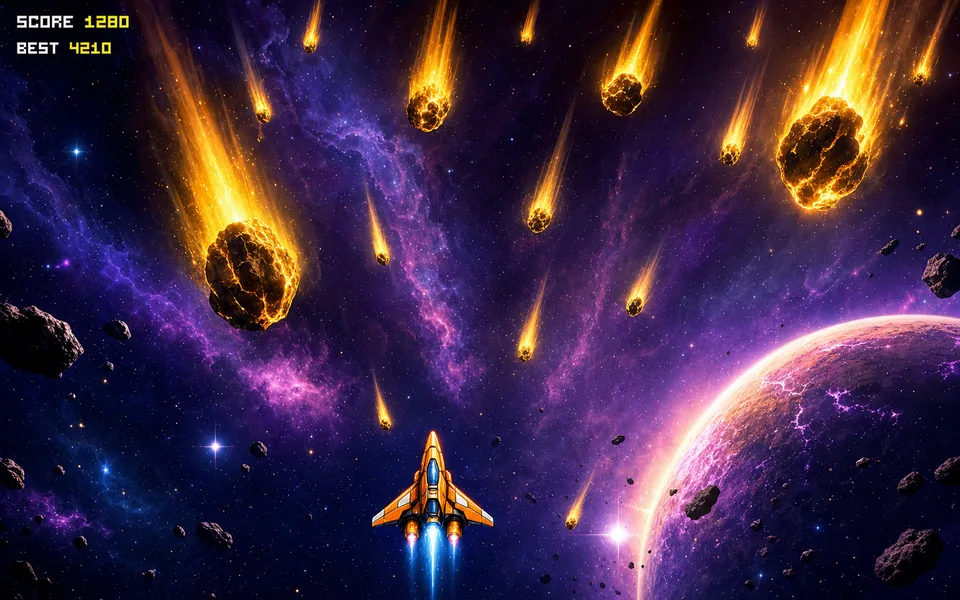
That exact loop created Dodge Drop, a small neon meteor dodger you can play on your phone right now.
Handling game assets
You have a few ways to handle visual and audio assets.
If you have your own files, you can drop sprite sheets, audio tracks, custom fonts, or 3D GLB files straight through an upload link, or paste a link to a Kenney or itch.io pack. arcadegnt inspects every file on upload. It measures image dimensions, checks audio playback lengths, and renders 3D models from four camera angles so your assistant understands the proportions of what it is working with. If you use other MCP servers like Meshy for 3D meshes or PixelLab for sprites, you can chain them into the same conversation.
If you give it zero files, the assistant writes procedural assets. It can generate SVG sprites, write custom screen shaders, synthesize sounds using code, and assemble 3D objects from primitive geometry.
The public Arcade
Every published game comes with touch controls, gamepad support, play analytics, and a top-100 high score leaderboard that flags suspicious inputs. You can download the complete Godot project zip file whenever you want. You own everything you make.
When your game feels solid, you can submit it to the Arcade, our public gallery. Every single Arcade submission is played and approved by a real human being before it appears in public listings.
Once approved, arcadegnt creates an immutable, frozen copy of that specific build at its public link. That ensures broken updates or unvetted scripts never run on the primary domain. Players can browse the gallery, bookmark favorites, or use a random mode that flips through full-screen games with a single tap.
What it does not do yet
I want to be clear about the current technical limits so nobody wastes an afternoon hitting a wall.
First, there is no online multiplayer networking. You can build single-player games, turn-based games, or shared-screen local multiplayer, but not real-time peer-to-peer or client-server lobbies.
Second, the 3D pipeline relies on Godot's web Compatibility renderer. It supports standard meshes, materials, lighting, dynamic shadows, fog, and particle systems. It does not support volumetric fog or real-time global illumination.
Third, arcadegnt does not generate AI art internally. It only consumes the assets you supply or the code your assistant writes.
Finally, total project export size caps out at 150 MB per game.
Setting it up
The free tier includes up to two games with full build, test, and hosting tools. No credit card required.
If you need more headroom, arcadegnt Gold is $10 a month (or $108 a year). That bumps your limit to ten games, adds a gold coin star to your games in the Arcade, prioritizes your submissions in the human review queue, gives your games more rotation spots in random mode, and sends a weekly email with your Arcade games' plays and ratings. Gold accounts still go through the same review checks as everyone else.
Setup takes about sixty seconds:
- Copy the server link:
https://arcadegnt.com/mcp - Add it as an MCP server inside your chat client settings.
- Confirm your email address on the initial prompt.
Once it is added, open a new chat and ask your assistant to build a tiny prototype. You can read the documentation and explore live community projects directly at arcadegnt.com.