
Two things landed in vbgnt this week that are about what happens after the game works. The studio can now produce the whole store page kit for a game, screenshots and artwork and listing copy and a trailer, in one pass. And the studio is now an MCP server, so the agent you already talk to on your own machine can build and manage games on your account. Here is what shipped, how it came about, and what each one refuses to do.
The marketing kit
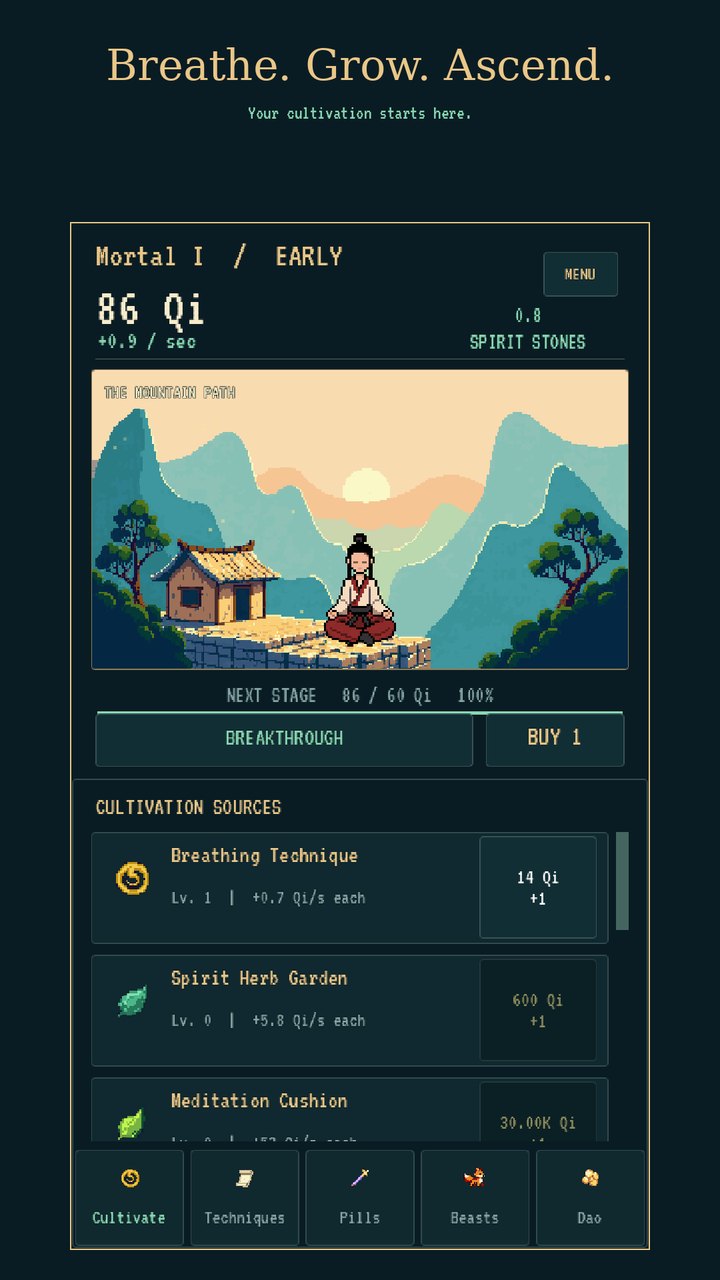
This one started as an afternoon of manual work. I had an idle game in the studio, Nine Heavens Ascent, an 8-bit cultivation game with a one-thumb portrait layout, and I wanted it on Google Play. The build was the easy part. The hard part was the form: eight phone screenshots at 1080x1920, a 512 icon and an adaptive icon set, a 1024x500 feature graphic, a title under thirty characters, a short description under eighty, a long one under four thousand, the content rating answers, the data safety answers. Then an itch.io page on top, with its own cover size and its own settings.
I did it with Claude Code on my laptop: pulled the project down, had it capture the game in a headless browser, compose the framed screenshots and the feature graphic with the game's own fonts, and write both listings with the character counts next to each field. It took a couple of hours and the result was good enough to submit. That was the moment the feature became obvious. The agent inside the studio has the same project, the same browser, the same fonts and a much better view of what the game actually does. So the studio should do it.
What it does now
Every game's Publish pane has a Marketing kit section under the exports. Tick Mobile (Google Play and the App Store share one folder), itch.io, Steam, or any mix. Add notes if there is something the copy should mention or avoid, pick a model if you want one other than the game's own, and press Generate. The kit runs in the background like a build turn, in the game's own workspace, with a live feed of what the agent is doing.
The agent reads the project and writes itself a fact sheet, so every sentence of copy traces back to something the build actually does. It builds the web export if the current one is stale, opens it in a headless browser at every size the stores care about, and drives the game with scripted input: press start, hold right, tap here, screenshot. On the phone and tablet sizes it emulates a touchscreen, which matters more than it sounds: a game with on-screen controls shows them, and a responsive layout switches into its portrait form instead of being squeezed. It reads every frame it captured before keeping it. Then it composes the artwork at exact pixel sizes and writes the listings, counting characters as it goes. Before it finishes it re-measures every image against the store's size table, recounts the copy, and checks that the Steam screenshots are byte-identical to the raw captures they came from. The kit lands in the pane as a browsable folder, one per store, with a README that maps each file to the store field it belongs in, and a Download zip button for the lot. The Nine Heavens kit came to 120 files in ten minutes.
What it refuses to do
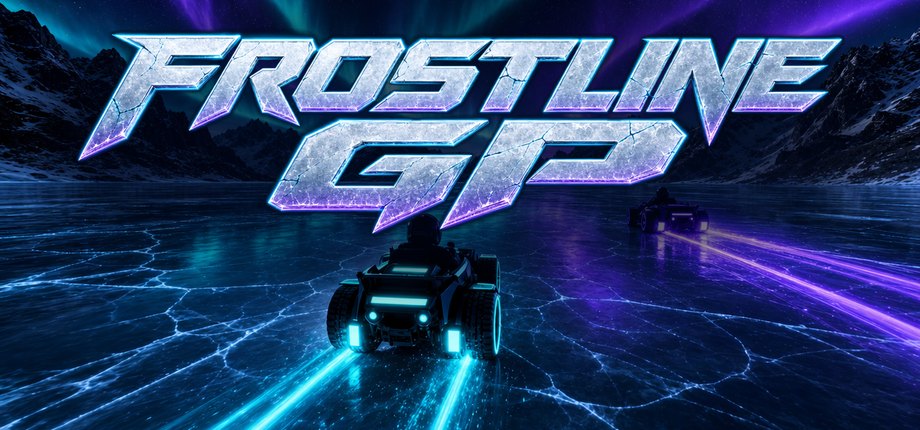
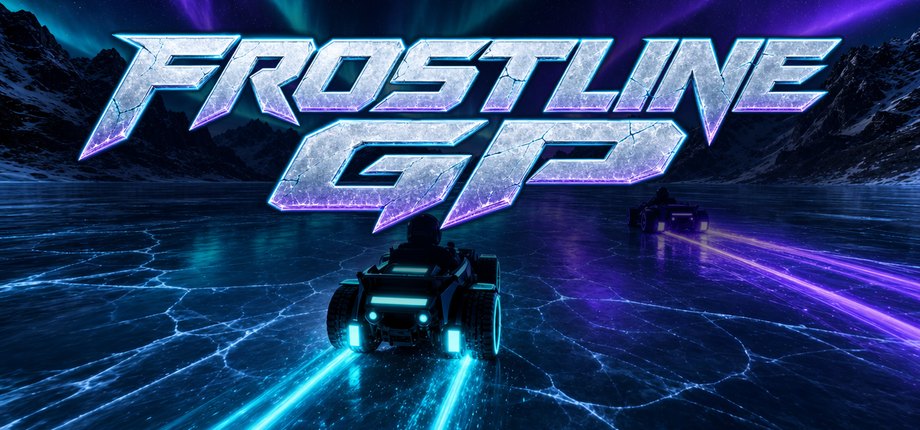
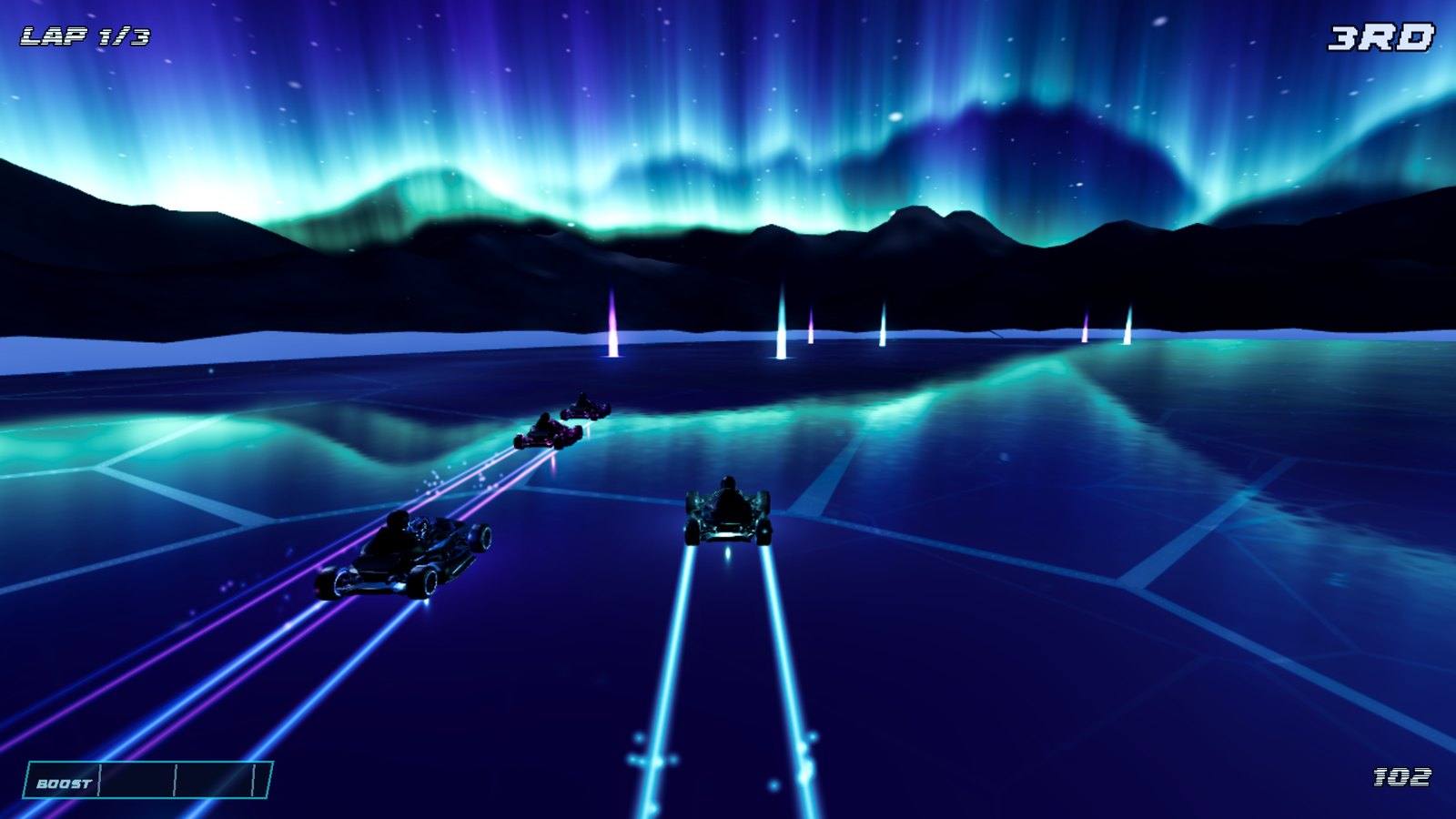
The part I care about most is the list of things it will not fake. Every screenshot comes from the playable build; concept art is never passed off as gameplay, and a layout the game does not have is never shown. Frostline GP is landscape-only, so its kit frames a landscape capture with the touch controls visible on a phone canvas, and its README says the portrait browser test was rejected and why. The copy claims gamepad support only if the input map binds a gamepad, touch controls only if they exist, online play only if the game has it; the same kit warns that the decorative ice pattern on lap one must not be captioned as damage. No review quotes, award badges, platform logos or prices end up baked into images. And the README names what the store still needs from you, a privacy policy URL for Play, a release keystore, a Team ID, measured PC requirements, instead of inventing them or leaving the submission form to discover the gap.
The trailer
Every Steam kit ends with a trailer plan: a 45-second beat list with timings, the exact inputs that produce each shot, a caption per shot, the copy cards between sections, the closing splash, and which of the game's own music tracks to use where. A finished kit then gets a second button, Make trailer, and the agent becomes the editor. The footage is not a screen recording. It copies the project to a scratch folder, adds an input script that plays the game frame by frame, and renders each shot with Godot's movie-maker mode: every frame at a fixed 30 frames per second with the game's real audio, however slow the machine is. Late-game shots are reached by playing. The Nine Heavens trailer needed a lightning trial and a reincarnation the plan had flagged as still unrecorded; the agent got there through the normal economy and said so in the trailer's README, next to a check that the project's 106 source files were untouched.
The cut has a fixed shape: gameplay from the first frame with a large caption over it, a caption on every shot in the game's title font, a full-frame copy card every two or three shots with a line drawn from the kit's own listing copy, and a closing splash with the key art, the logo and the tagline while the music resolves. Out come a 45-second 1920x1080 file for Steam, itch.io and YouTube and, when the game has a real portrait layout, a 15-to-30-second App Store preview recorded in that layout. The store specs and the trailer recipe live in a skill document the agent reads at the start of every run, not in its memory, so when Apple changes a screenshot size we change one file. The full write-up, with all three example kits, is on the vbgnt blog.
The MCP server
The second feature is the one that made the first one possible, in a roundabout way. The Nine Heavens kit was built by Claude Code on my laptop reaching into the studio to fetch the project and the builds. The way it reached in is now a product: vbgnt is an MCP server at https://api.vbgnt.com/mcp. Connect it from Claude, from Claude Code, from Codex, Cursor or any client that speaks the protocol, sign in once, and your own agent can create games on your account, send build instructions, follow the builds, manage your arcade, run exports, and now generate the marketing kit and its trailer, from wherever you already talk to it. "Make the store page kit for the kart game for Steam and mobile and send me the zip" is one sentence to your agent and forty minutes of waiting.
The tools are the same functions the studio's own buttons call, in four groups: games, arcade, exports and account. An agent that creates a game over MCP gets the same cloud machine, the same generated art, the same headless-browser test and the same publish to your arcade as a person typing the brief. Thirty-four tools in all.
The permission screen
I copied the scheme brokerages use for their agent connectors, because it is the one I would want if the account held my money. The server is its own authorization server. The agent registers itself, opens a vbgnt page in your browser, and that page names the agent, the account it will act as, and the permissions it is asking for. Allow is the only way in; there is no API key to paste. Tokens expire after an hour and refresh while the agent stays connected, so disconnecting the agent ends the connection. And two things are deliberately impossible over the wire: an agent can never set your keys or sign you in to Claude or ChatGPT. It can see that a key exists, so it can tell you what is missing, but keys are entered in the studio's Settings and nowhere else, because anything pasted into an agent conversation ends up in a transcript.
Setup for each client, with example phrases and the full tool list, is on vbgnt.com/mcp, and the reasoning is in the announcement on the vbgnt blog.
Why these two together
Both are about the studio being reachable from outside itself. The marketing kit takes the last manual jobs between a finished game and a store page, the screenshots, the copy and the trailer, and moves them inside the studio. The MCP server takes the studio and puts it inside whatever agent you already use. The studio is still invite-only; you can ask for an invite here.